
Reddit for Windows is the desktop app of Reddit's discussion platform, where communities called subreddits share news, questions and posts.
782.2 KB

1.0b · Eric Zhang · Page updated
Facebook Desktop was a small unofficial Windows client for Facebook by Eric Zhang; it stopped working after Facebook switched off its old API on 30 April 2015.
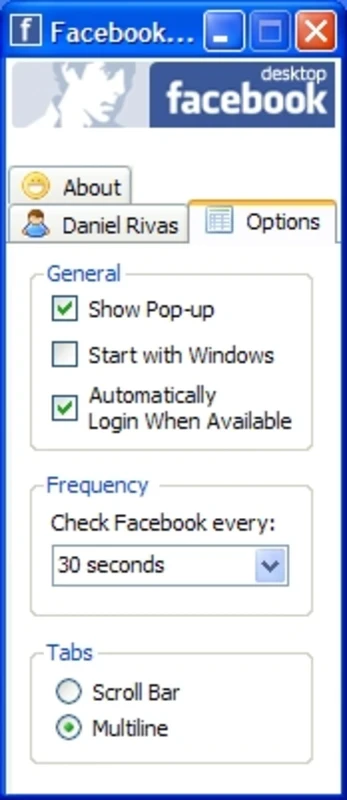
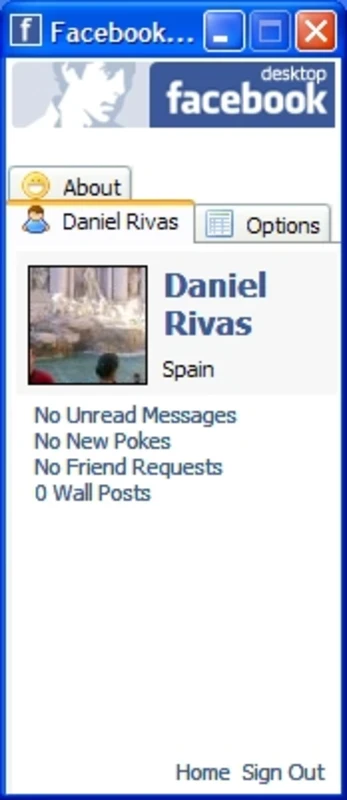
Facebook Desktop 1.0b was a small unofficial Windows program by independent developer Eric Zhang that showed Facebook notifications and updates outside the browser. It was never made by Facebook or Meta, and it no longer works: the program depended on an old Facebook API that was switched off on 30 April 2015, so today there is nothing useful to download.
Facebook launched on 4 February 2004 as a website, and for years there was no official Windows program. Independent developers filled the gap with small desktop tools that talked to Facebook through its public programming interface. Facebook Desktop was one of them. It sat in the corner of the screen, showed new notifications, friend requests and status updates from friends, and let you post a short status without opening a browser. For people who kept Facebook open all day, a lightweight notifier like this saved a browser tab and some attention. The catch was built in from the start: a third-party client works only as long as the platform keeps the interface it relies on, and it receives none of the security and privacy checks that the service applies to its own apps. When Facebook retired the old version of its API, clients built on it lost access to accounts and stopped showing anything.
The old client ran on Windows and was free. The official Facebook website works in any current browser and is free as well; there is nothing to pay and no separate program is required.
Official social apps on our site include Instagram, Threads and X (Twitter) for Windows, while Facebook Lite covers Facebook on weaker devices. LinkedIn and Reddit are options for professional networking and discussion communities.
Reddit for Windows is the desktop app of Reddit's discussion platform, where communities called subreddits share news, questions and posts.

Facebook Lite is the lightweight version of Facebook from Facebook Inc. This page covers build 530.0.0.8.106 listed for Windows.

The official Snapchat app for Windows from Snap Inc., available in the Microsoft Store. It runs Snapchat for Web in its own window.

X, formerly Twitter, is a microblogging service from X Corp. The Windows app puts your timeline, notifications and messages in a desktop window.

Threads is Meta's social networking and microblogging service for short public posts, connected to your Instagram account.

Instagram is Meta's photo and video social network. The Windows app brings the feed, Reels and direct messages to a PC running Windows 10 or 11.

TikTok Web is the browser version of TikTok from ByteDance, letting you watch, search and post short videos on a Windows PC without installing an app.

LinkedIn for Windows is the desktop app of the social network for professionals, used for networking, job search and industry news.